






- Decode Ability: 1080P (Full-HD)
- Type: High Definition
- Connectors: USB
- Operation System: Android
- Remote Control: Not Included
- Model Number: wifi Display Receiver
- Hard Disk Capacity: < 100GB
- Recording: No
- Brand Name: SD&HI
- Origin: Mainland China
- Certification: NONE
Description:
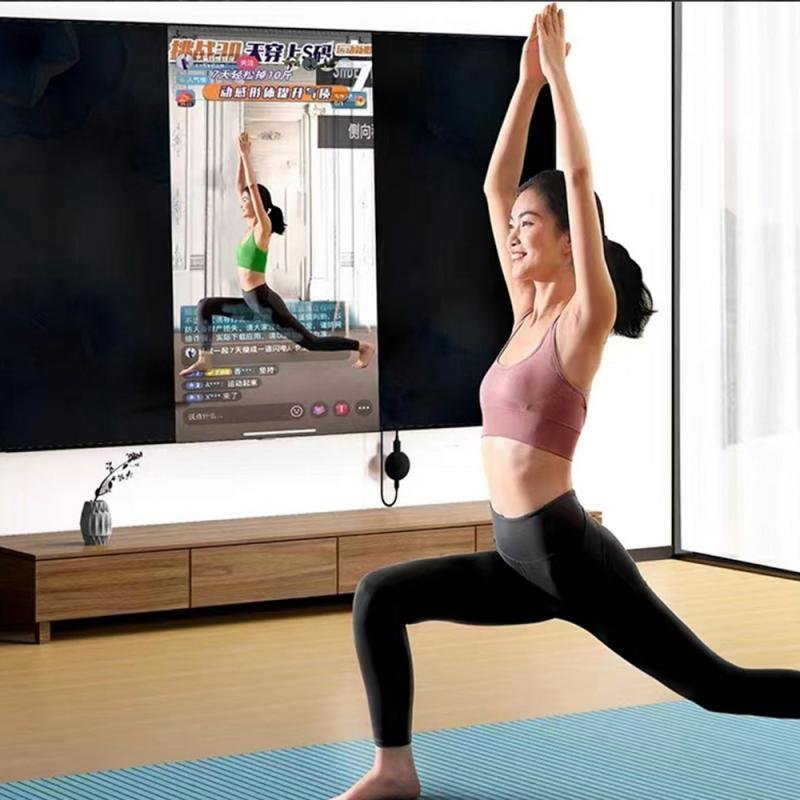
1.Display the picture after the product is put on the TV,
2.The upper left corner of the picture shows IP, a pattern used by Apple
3.The top right corner of the picture shows IP
4.After closing the IP, it will be the mode of the Android handset connection
Features:
– No need to install APP and supporting one button switch, easy and convenient to operate – Ultra low power consumption, and low heat – With compact portable design for easy carrying – Support for IOS / Android / Windows / Mac operation system – Great sharing and performance for your video, excel, PPT, PDF and other files – Suitable for projectors, smartphones. Tablets, laptops, ultrabooks, etc Connectors: HDMI,USB Decode Ability: 1080P (Full-HD) Operation System : Android
Type: High Definition
FAQ
Q1: No reaction after connection, no display on the screen?
1) Confirm whether the power supply is normal, please use 5V 2A external power
supply, the product indicator light is red after turned on, if the indicator does
not light, please replace the USB power adapter.
2) If the product starts up normally (the indicator light shows red), please confirm
whether the input signal source of the display has chosen the corresponding HDMI mode.
Q2: The Smartphone (for Android/IOS) cannot show the same screen with the big-screen device
after connected?
1)Check if choose the right same screen mode, the product supports for iPhone 4 or above,
should choose the for Airplay/DLNA mode of the wireless display receiver to connect. If it is
Android Phone(support for Miracast same screen, different brand’s Android phone has different
name and icon of for Miracast same screen function), please choose the wireless display receiver’s
for Miracast mode to connect. Wireless display has a mode switch button, press it once can switch for
Airplay or Miracast.
2) For iPhone, it need connect WIFI hotspot of wireless display receiver (SSID and code will
on screen), then finish the same screen connect. Android phone can connect directly under
Miracast mode.
Q3: Products can not connect with Windows system devices, can not be the same screen when
watching for youtobe, for Netflix video ?
1) This product only supports for Android/IOS system, windows system is incompatible temporarily.
2) This product only supports for youtobe and for Netflix web version video playback, temporarily can’t
support the above APP client with the screen play
Color:Black
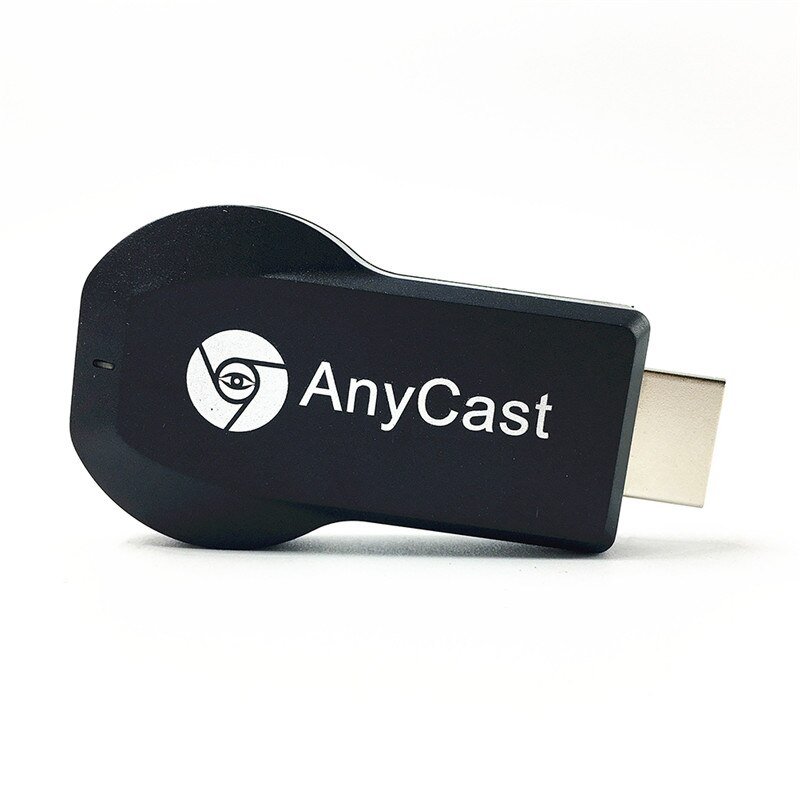
Product Size(L x W x H): 6.50 x 3.50 x 1.50 cm / 2.56 x 1.38 x 0.59 inches
Package Contents:
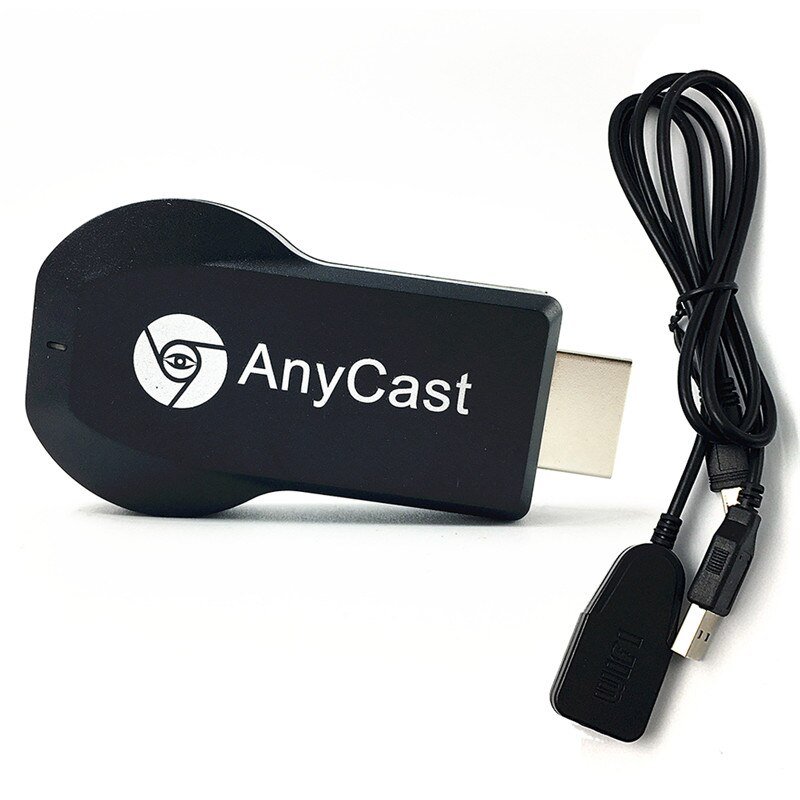
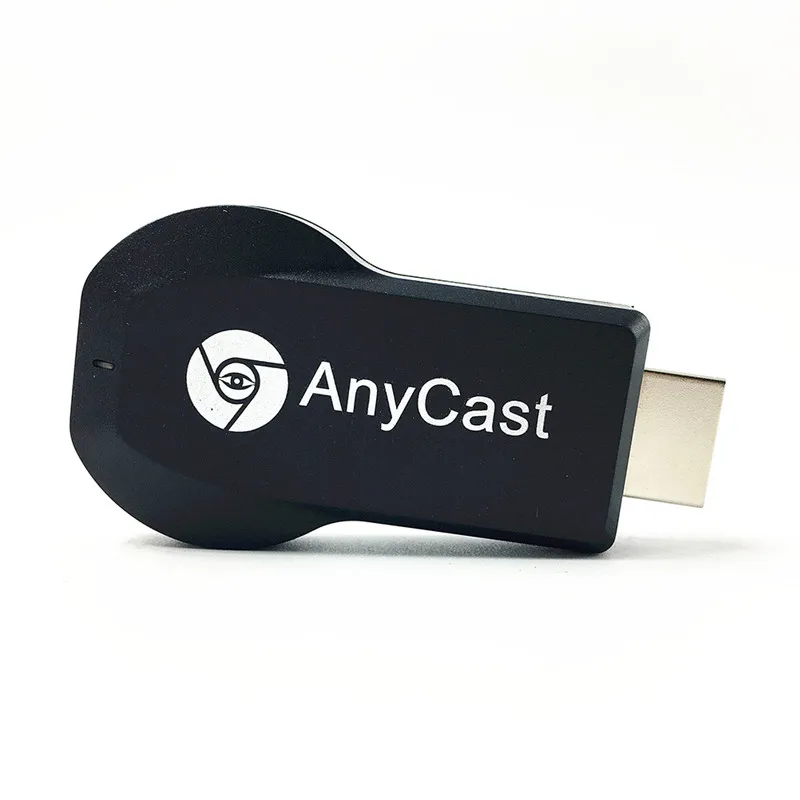
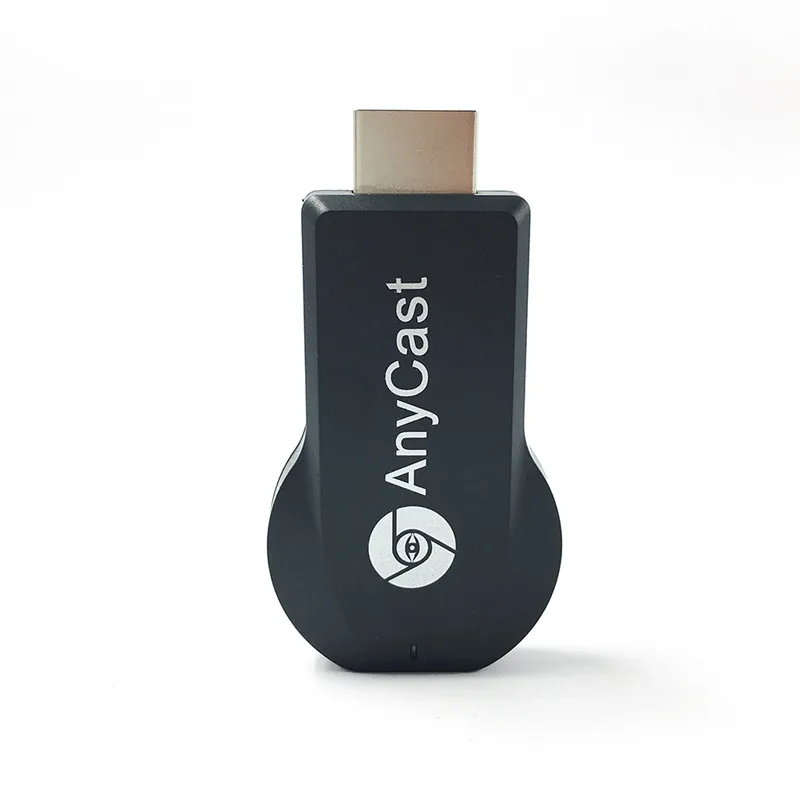
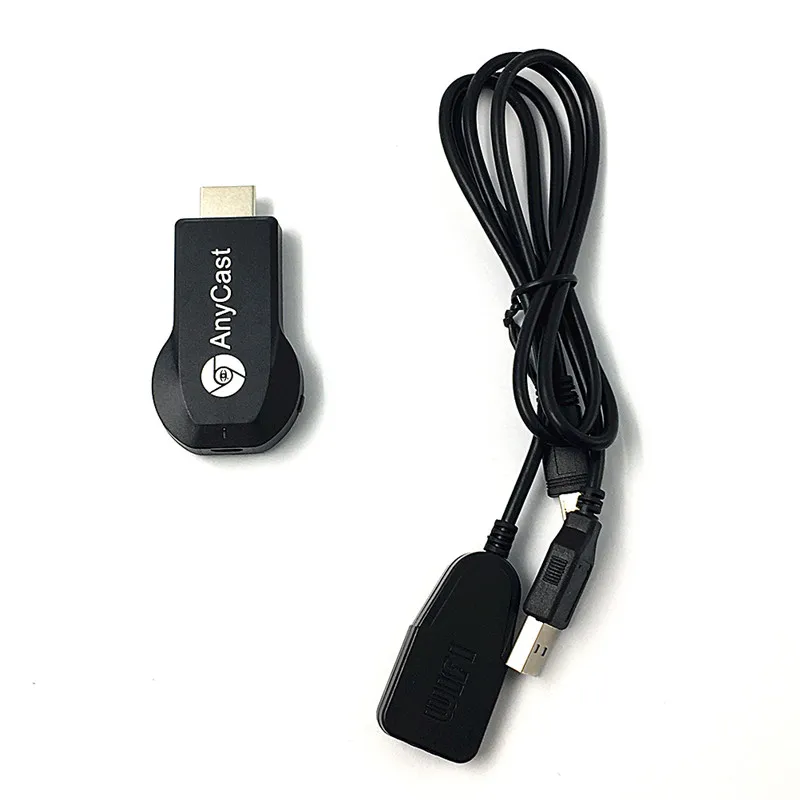
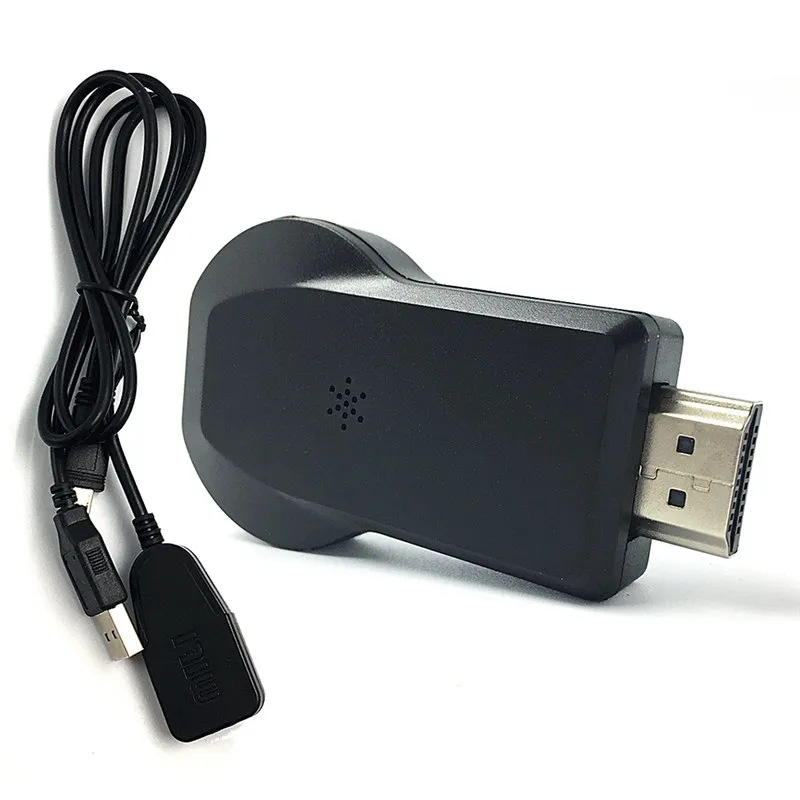
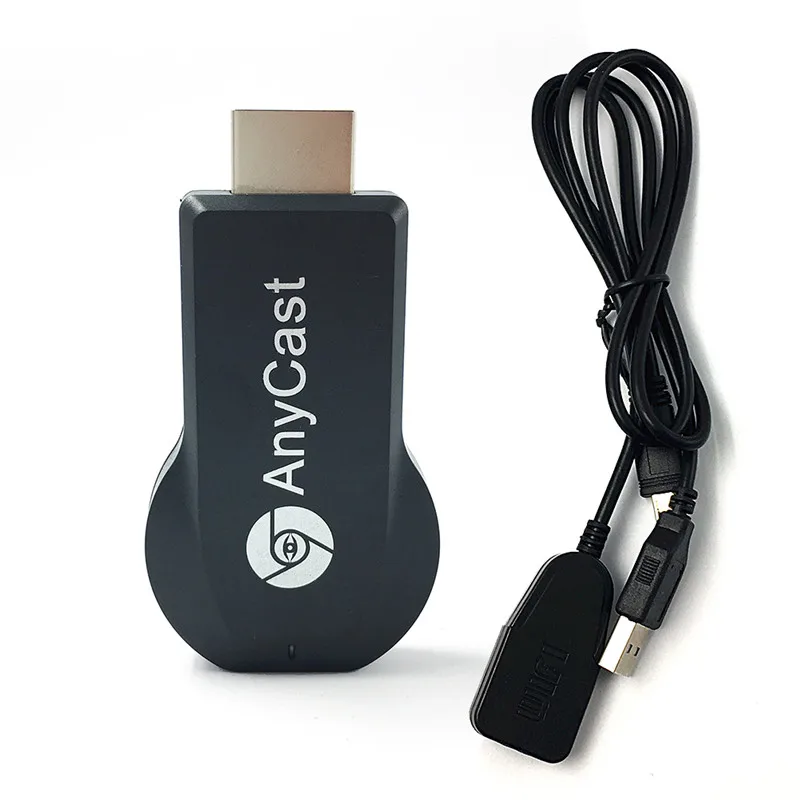
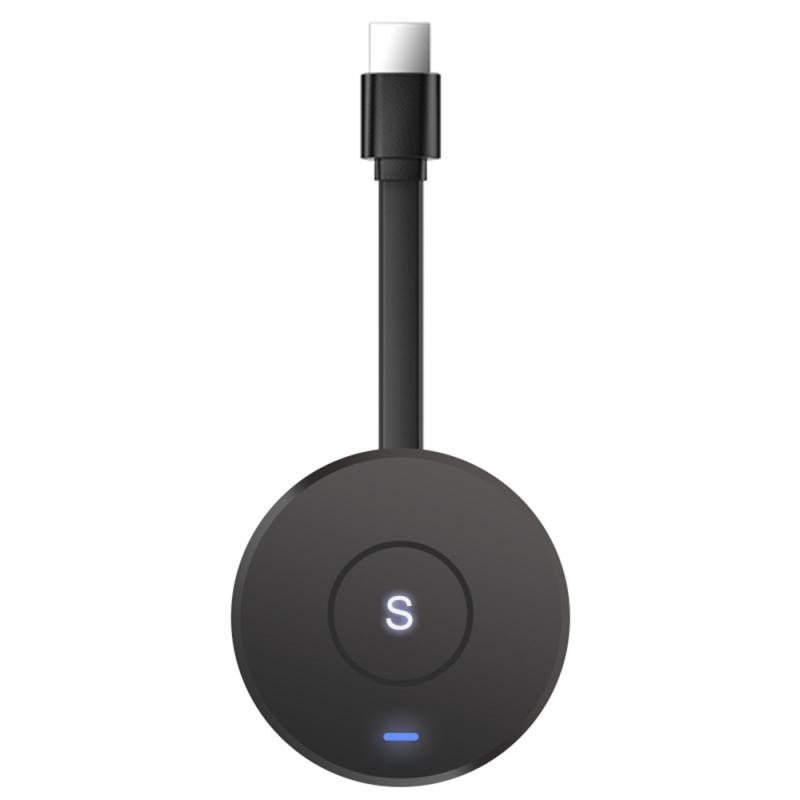
1 x Wireless Wi-Fi Display Dongle Receiver, 1 x 2 in 1 WiFi USB Cable, 1 x English User Manual NO Retail Packing




Reviews
There are no reviews yet.